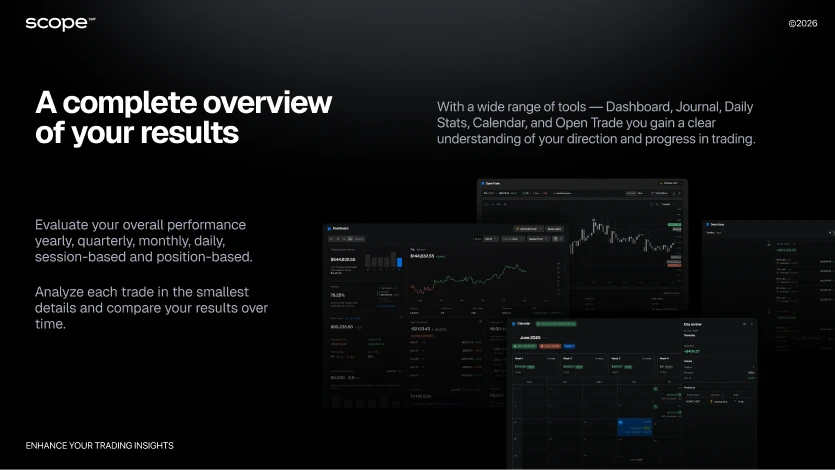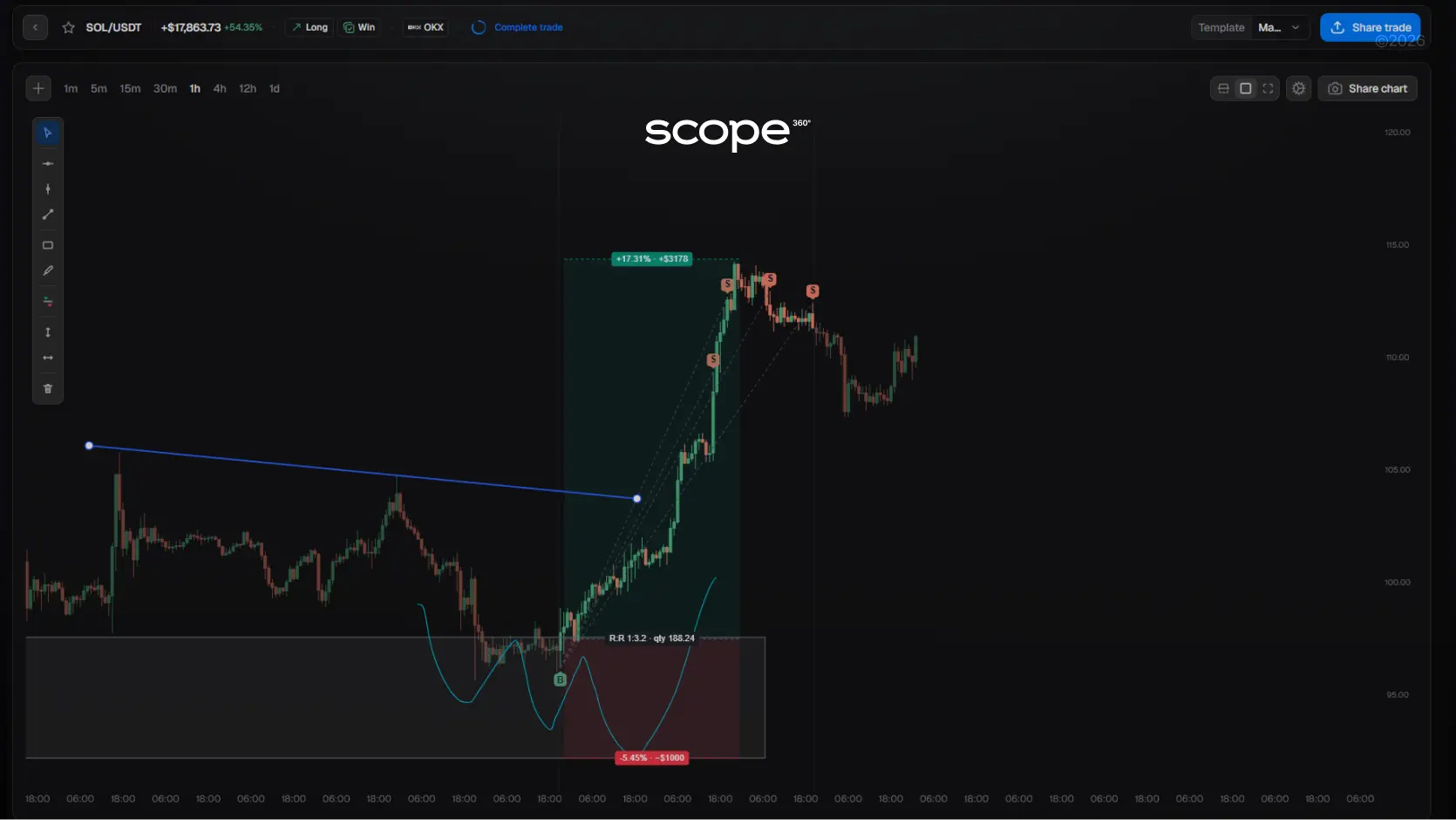
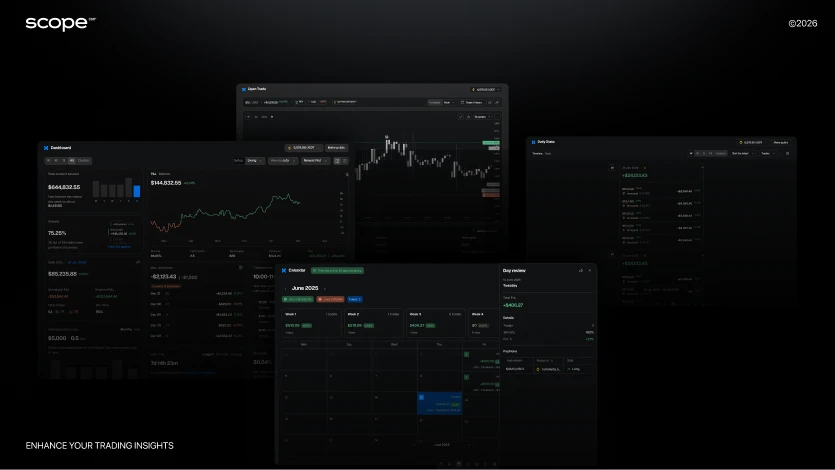
If you’re tired of manually recording every trade and updating spreadsheets, automation solves it all.
With API integration, Scope360° automatically imports your trades, fees, funding, and positions - directly from your exchange.
Connect your account once, and everything stays in sync: trade history updates in real time, metrics are calculated instantly, and reports are generated without any manual input.
Scope360° uses read-only access only - a fully secure mode that allows data visibility but never trade execution or fund management. No action on your account can be performed through this connection.
You can connect any supported exchange - Binance, Bybit, or OKX and start journaling in just three simple steps.
Detailed setup guides for each platform:
Binance API Connection Guide
Bybit API Connection Guide
OKX API Connection Guide
Why API Connection Matters
An API connection isn’t just a technical step - It allows the platform to securely fetch your trading data directly from the exchange and turn it into clear analytics.
When you create an API key with read-only permissions, Scope360° can safely:
access your trade history, fees, funding, and open positions;
update statistics and reports automatically - without manual entry;
combine multiple exchange accounts into one unified journal;
display all your trading results in a single dashboard, no matter where you trade.
This connection saves hours of manual work and eliminates human errors that often occur with spreadsheets.Everything happens automatically: you trade - Scope360° tracks and analyzes.
All API keys are used in read-only mode only. They cannot open trades, move funds, or change any settings.
Your data is encrypted, and you can revoke access anytime directly from your exchange account.
How to Connect Your Exchange to Scope360°
Universal Guide for Binance, Bybit, and OKX
If you want your trading journal to update automatically - without manual data entry or endless spreadsheets - API integration is the key.
By linking your exchange to Scope360° once, your trades, fees, and results will stay synchronized in real time right inside your trading journal.
Below is a simple, universal guide that works for any exchange.
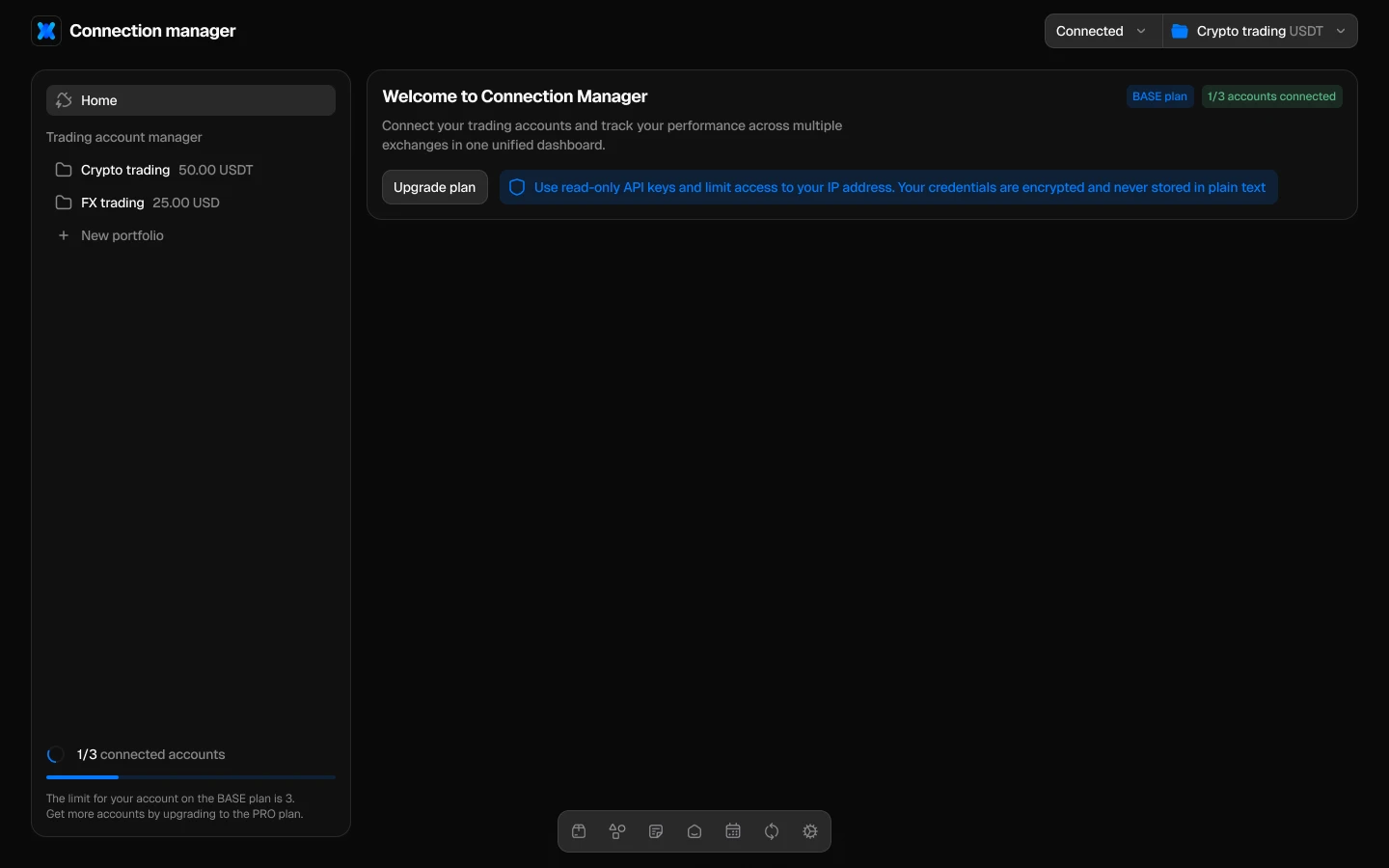
Step 1. Open the integration settings
In your Scope360° account, go to Settings → Integrations → Add Exchange.
Here, you’ll find all supported platforms - Binance, Bybit and OKX.
This is where a secure, read-only bridge is created between your exchange and Scope360°.
The platform can view your trading data but cannot execute trades or move funds.
If you don’t have an API key yet, follow the detailed setup instructions:
Binance API Connection Guide
Bybit API Connection Guide
OKX API Connection Guide
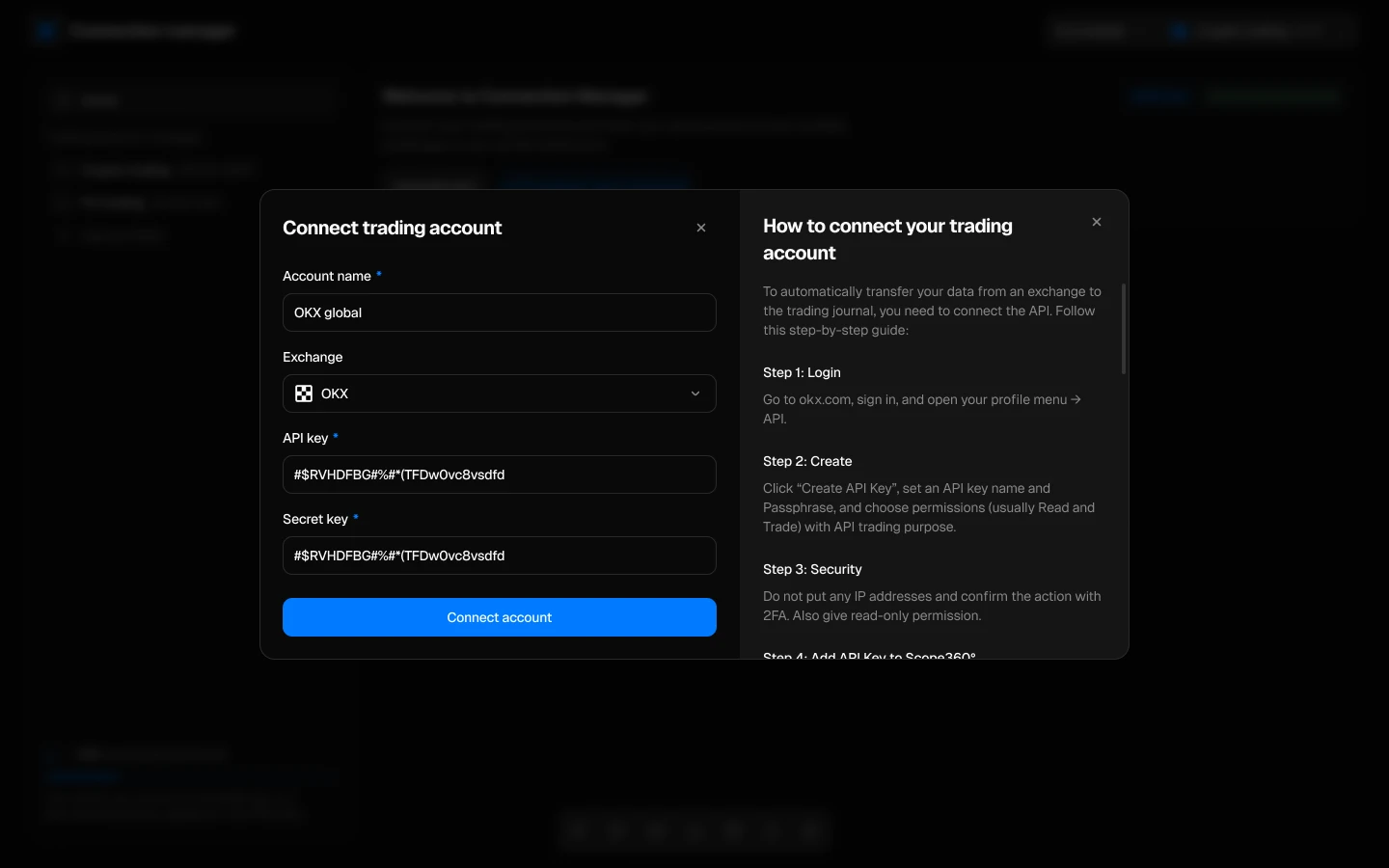
Step 2. Enter your API details
After selecting the exchange, you’ll see a short connection form. Fill it in as follows:
Account Name - any label that helps you identify your accounts (e.g., Binance Spot, Bybit Futures).
API Key - copy it from your exchange’s API management page.
Secret Key - paste carefully, without spaces or extra characters.
Passphrase (OKX only) - an additional password created during key setup. Without it, the connection won’t work - make sure to store it safely.
The Secret Key is displayed only once when you create it. If you lose it, you’ll need to generate a new API key.
Step 3. Start synchronization
Click Connect API. The first sync may take up to 15 minutes - depending on your trading history size. After that, updates happen automatically: each new trade appears in your journal within seconds of execution.
During synchronization, Scope360° automatically imports:
all executed orders, positions, and trade history;
fees, funding, and realized PnL;
timestamps, instruments, and position details.
Why it matters
API integration fully automates your trade tracking. No more manual uploads, missed trades, or spreadsheet errors. Your entire trading activity is unified in one place - with analytics, tags, and detailed performance metrics.
All connections operate in read-only mode: Scope360° can view your data but cannot execute trades or withdraw funds. Your keys are encrypted and stored securely, and you can revoke access anytime directly from your exchange account.
What Is an API Key
An API key is a digital access pass that connects your exchange account to an external service - without sharing your login, password, or seed phrase.
In trading, an API key allows platforms like Scope360° to automatically fetch your trade history, balances, and fees - and turn that data into real-time analytics.
Typically, an API key includes three elements:
API Key - the public identifier that lets the exchange recognize your account.
Secret Key - a private code confirming that a data request comes from you or a trusted service.
Passphrase (used on some exchanges, such as OKX) - an additional password required for each API request. It adds another layer of protection, even if part of the data is compromised.
In simple terms: an API key is a secure way to “link” your exchange to Scope360°, allowing it to read trading data - but never control your funds.
Why It’s Safe in Read-Only Mode
When connecting to trading journals, analytics platforms, or portfolio trackers, only read-only mode is used. This mode provides view-only access to your data - trade history, balances, and fees - without the ability to place orders, transfer funds, or modify account settings.
This approach is standard across professional financial tools - from tax reporting apps to portfolio analytics dashboards. These platforms don’t need control over your account - only the ability to analyze your trading data and generate insights.
Your keys are transmitted through secure, encrypted connections and stored in encrypted form, just like other sensitive data in fintech products. If you ever want to stop the connection, you can delete the API key in your exchange settings - access is revoked instantly.
Scope360° uses read-only API keys only. This means no request made through the platform can modify your account or affect your trades.
Start Journaling Smarter with Scope360°
Connecting your exchange through API takes just a few minutes - but it can save you hours every week. Once connected, Scope360° automatically imports your trades, calculates metrics, and builds reports that show exactly how your strategies perform.
No spreadsheets, no missed trades, no manual updates - just clean, real-time analytics that reflect your actual performance.
Trade crypto, forex, or futures, Scope360° helps you stay organized, consistent, and data-driven. Your trades deserve structure - and your strategy deserves clarity.
Start your free trial today and connect your first exchange.Turn your raw trading history into insights that actually make you better.